
Do you get form responses and then decide by hand which ones are worth it?
Aiformleads classifies every lead the moment it's submitted: your rules assign it tags and a score based on what it answered, and the inbox lets you filter by that tag. None go unclassified, because you can set a default tag for the ones that don't fit any rule.
無料で始める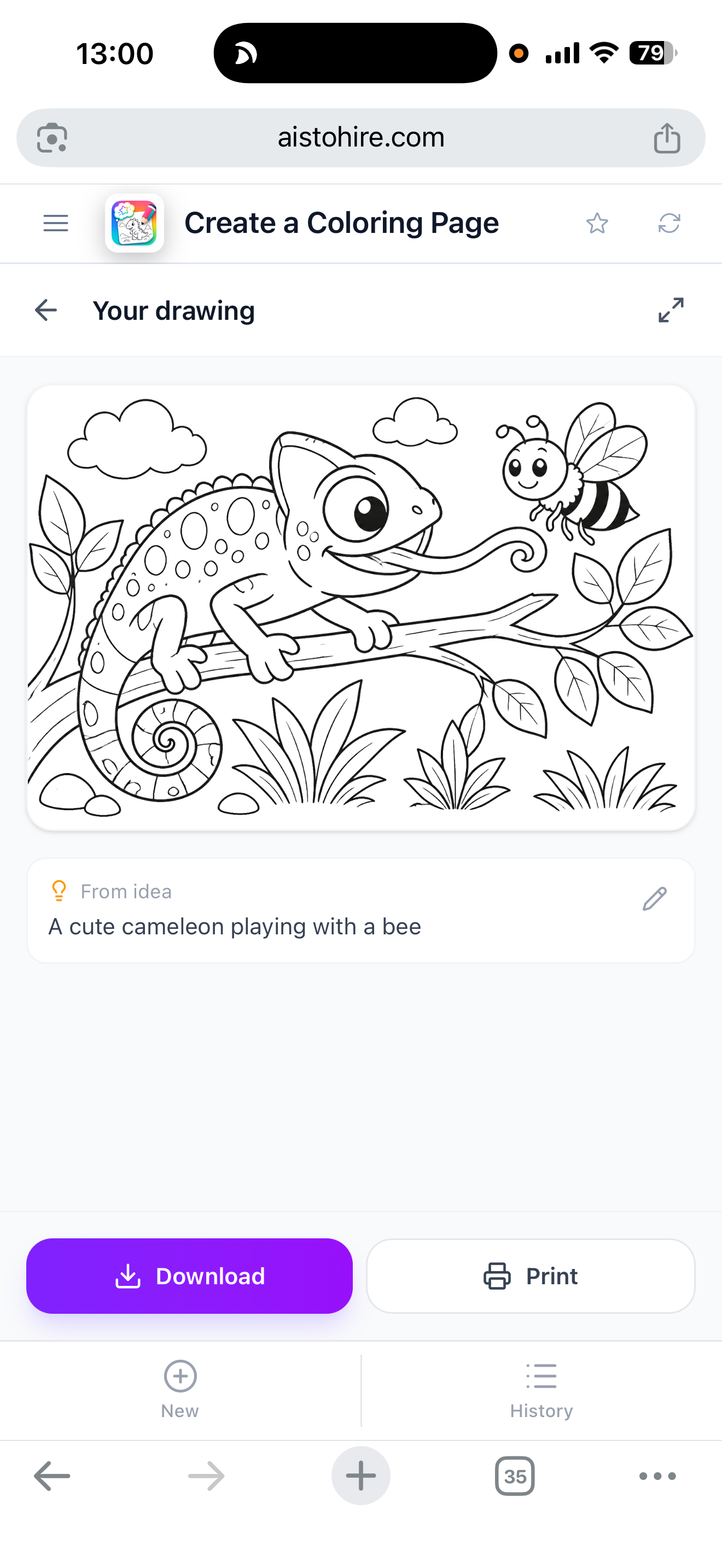
各機能を詳しく見る
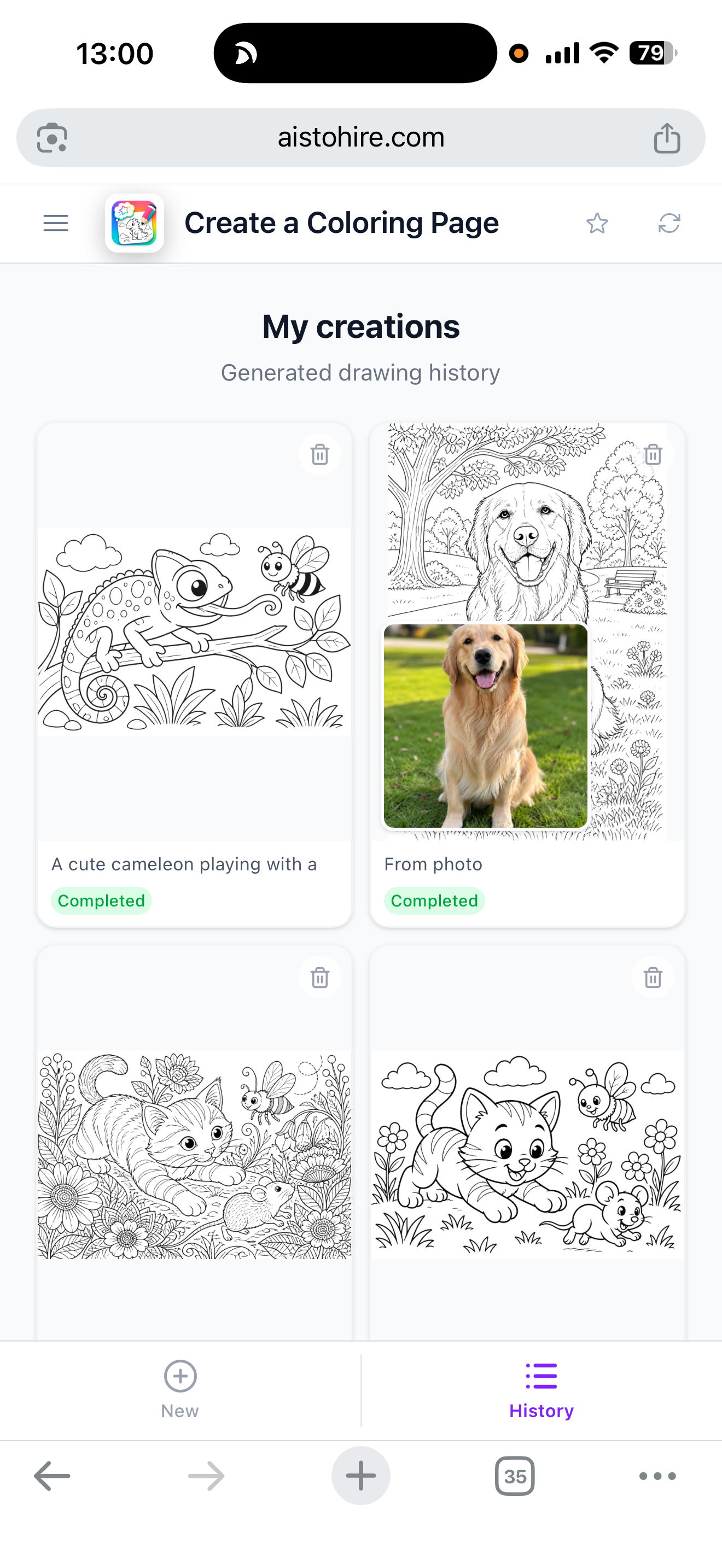
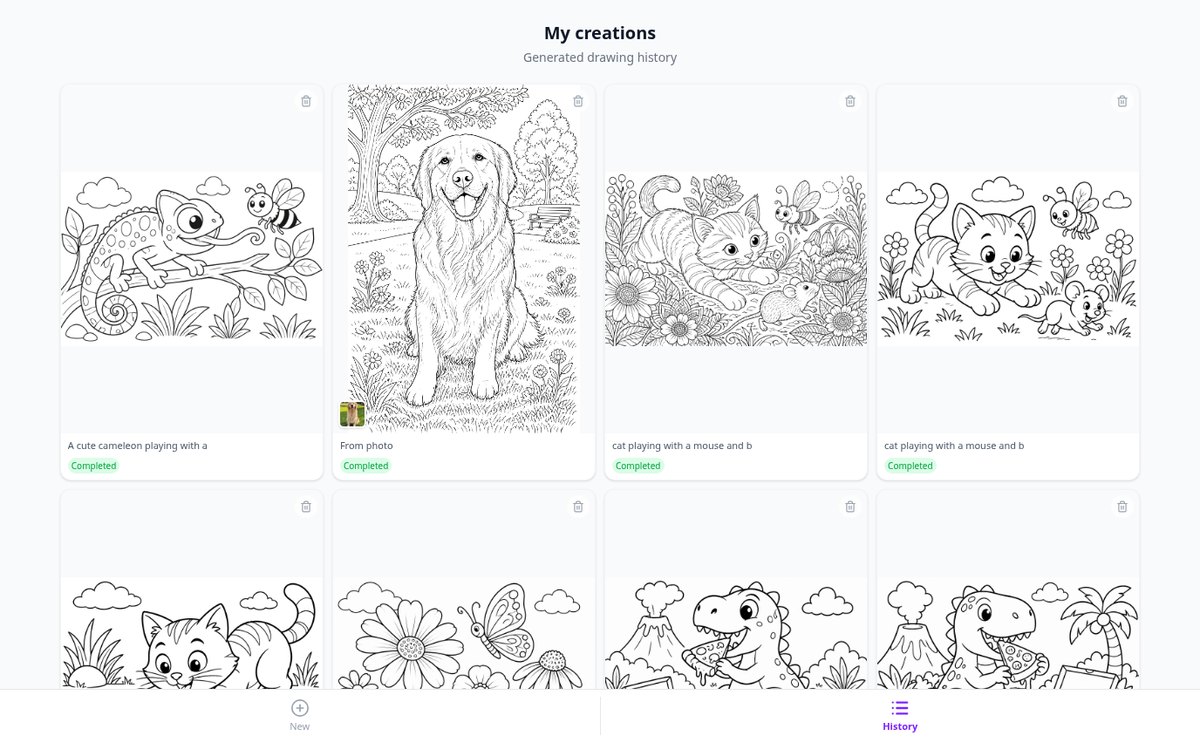
写真をAIで塗り絵に変換 | Aiscoloring
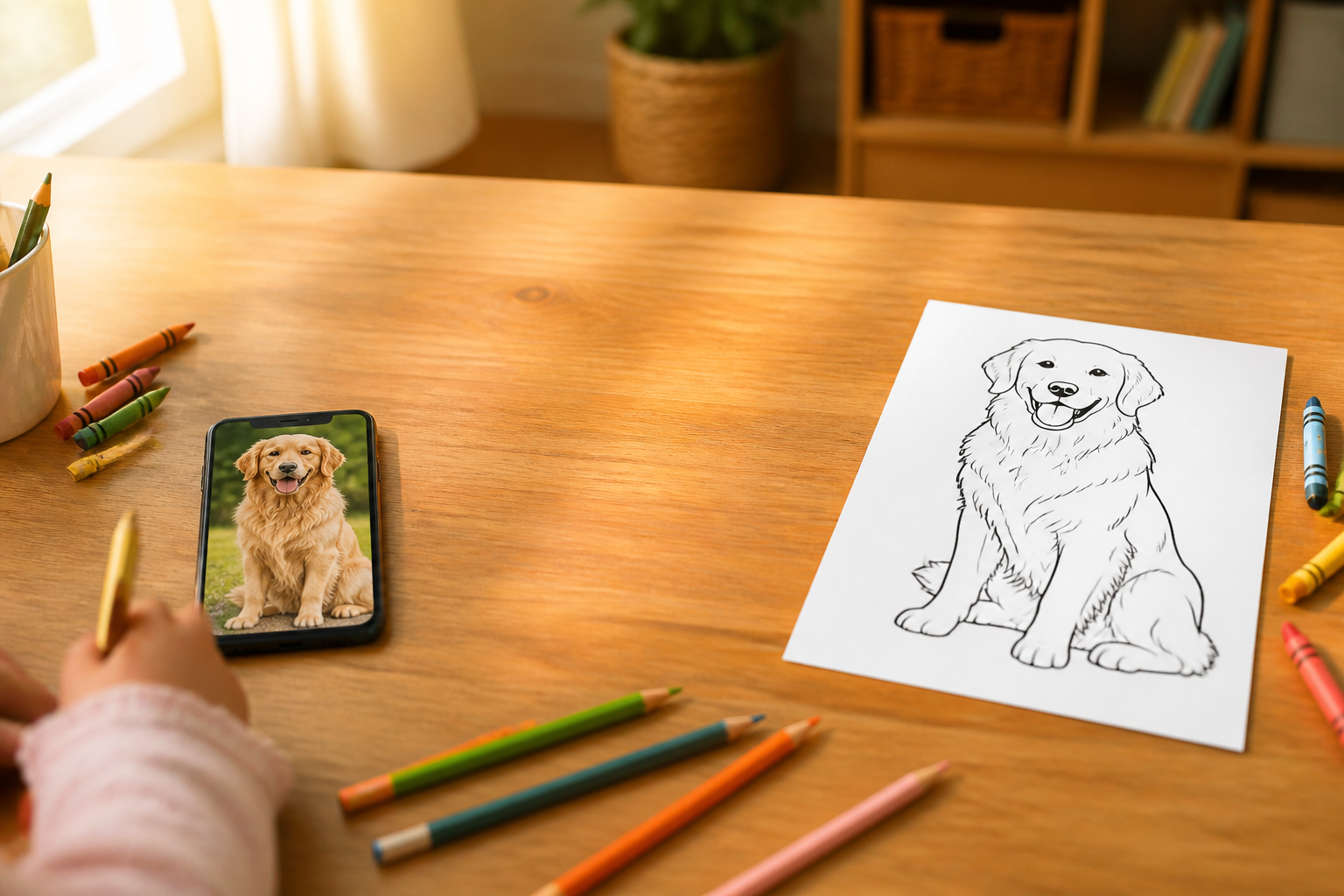
ペット、家族、風景の写真をアップロードすると、Aiscoloringが白地に黒い線の塗り絵ページに変換します。A4で印刷できます。
機能を見る
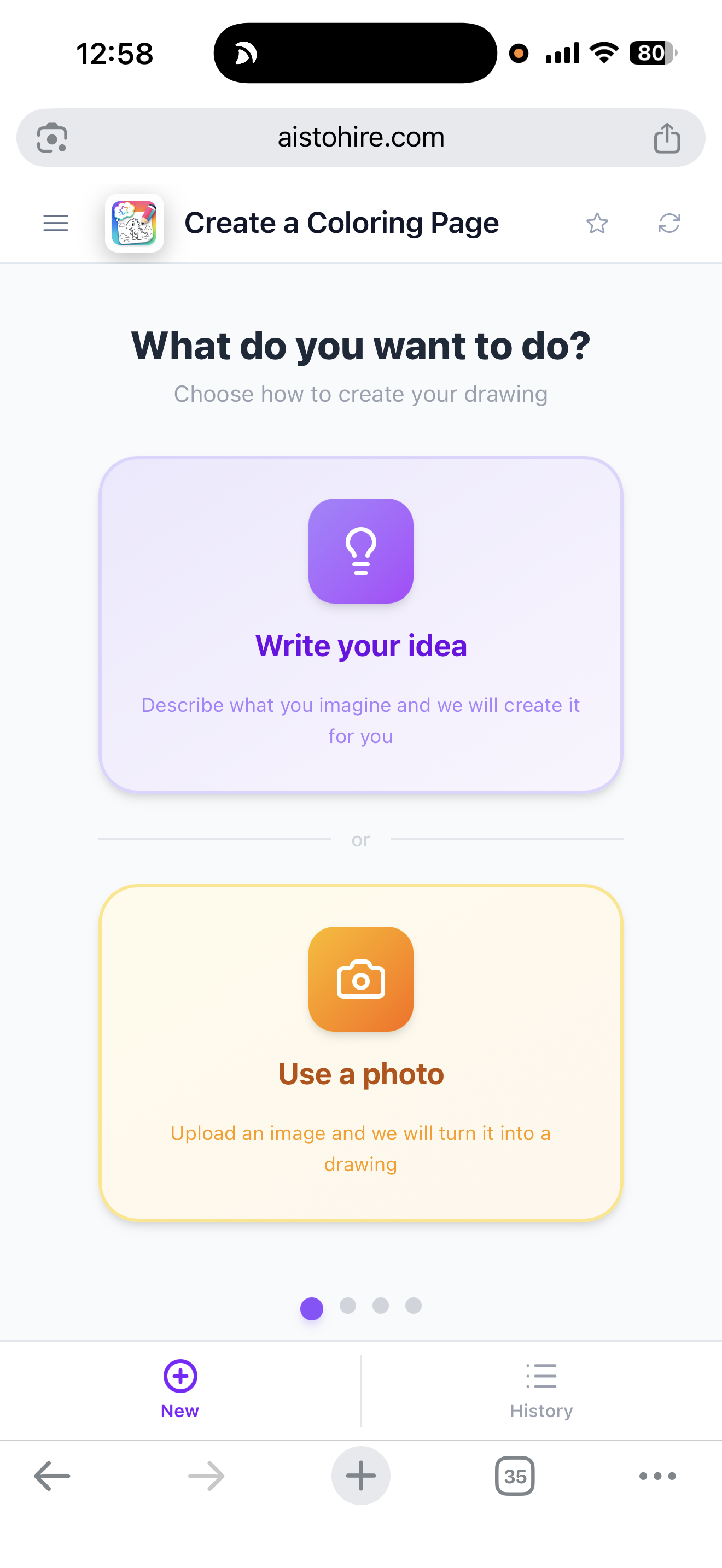
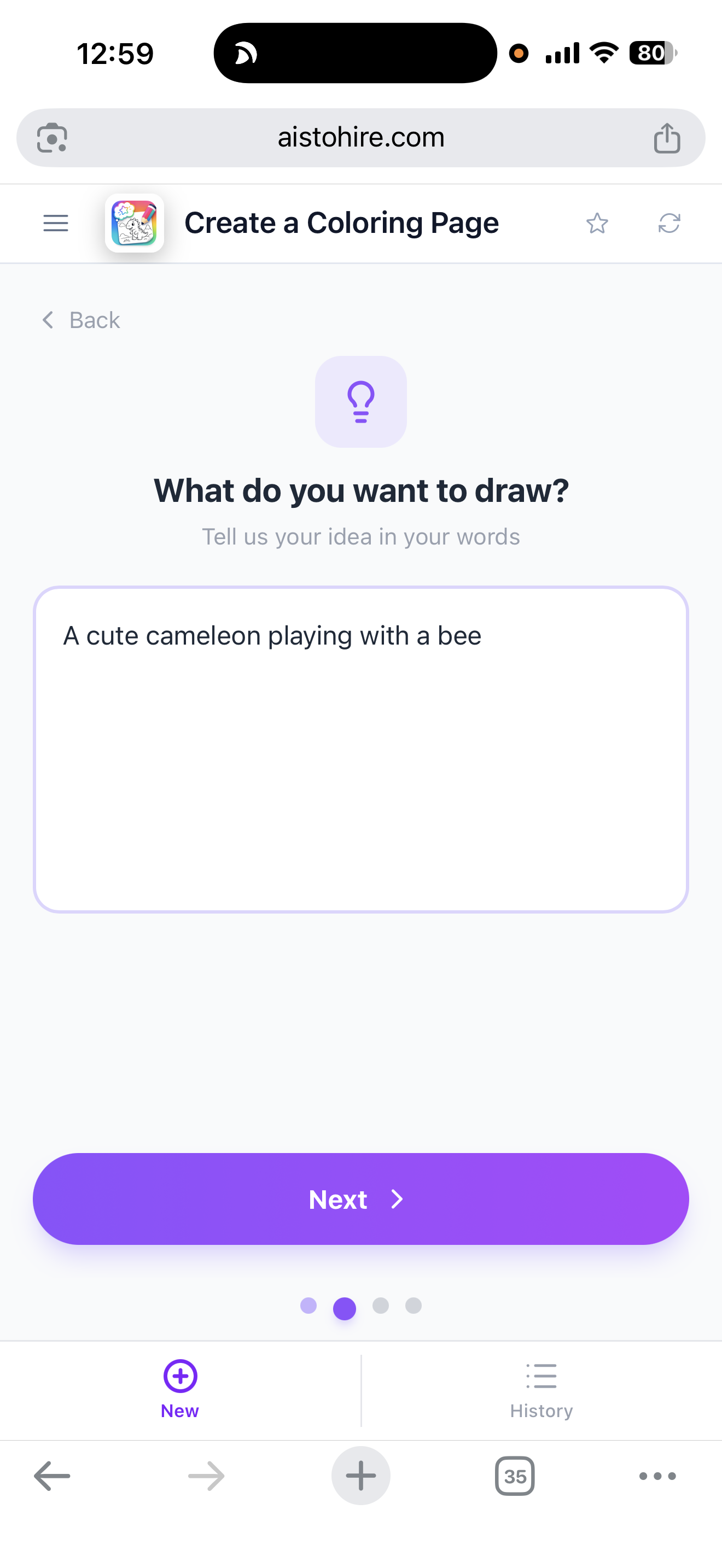
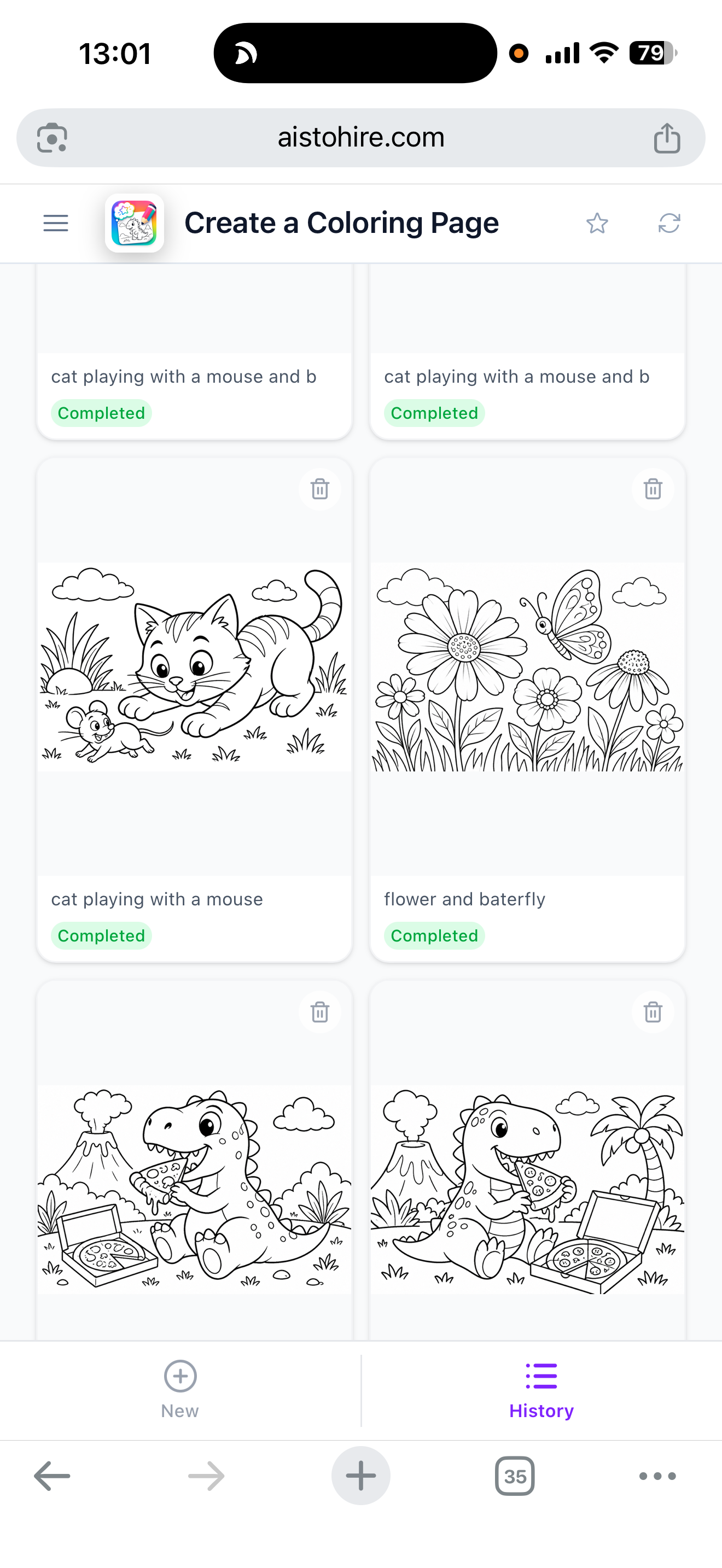
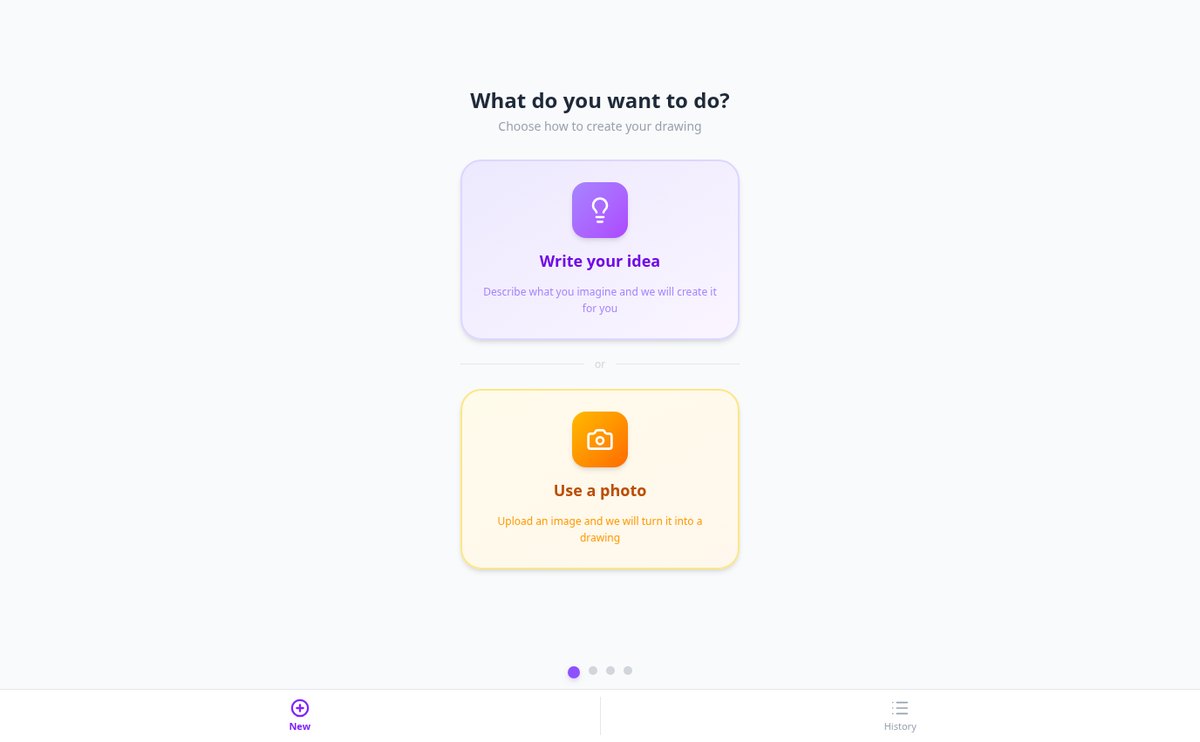
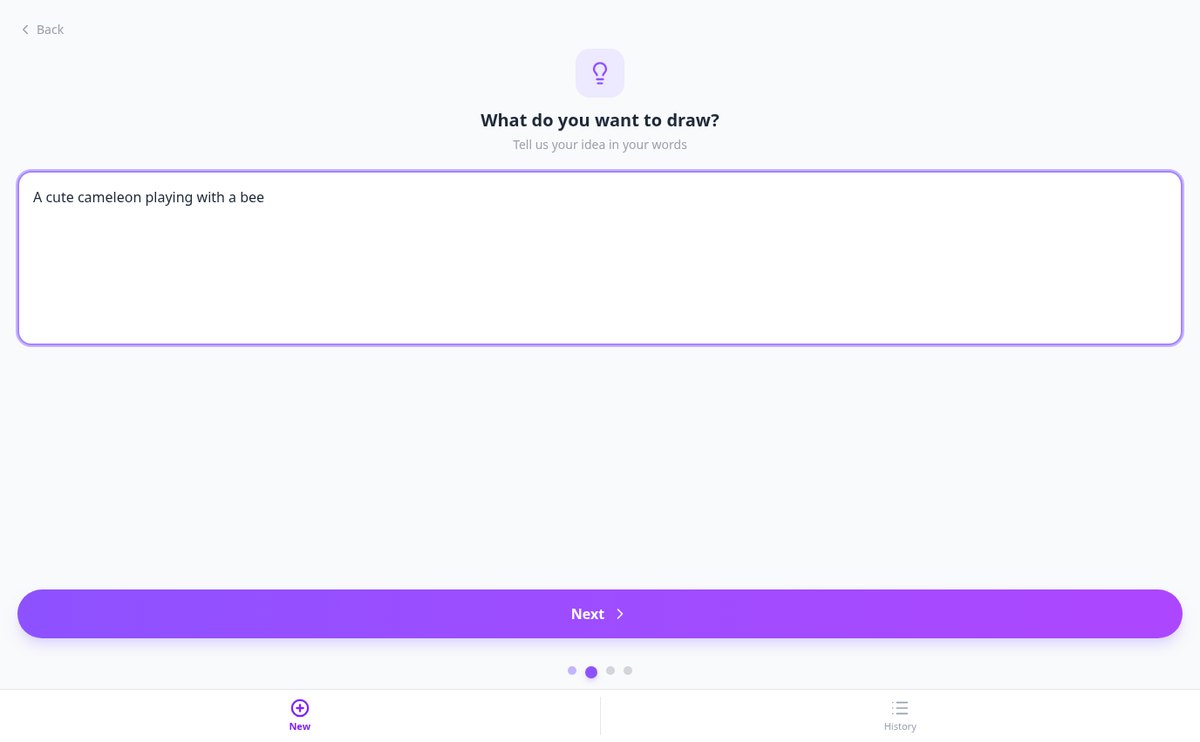
アイデアを書いて塗り絵を作る | Aiscoloring
思い描いたシーンを書くと、AiscoloringのAIがオリジナルの塗り絵を生成。選んだ年齢に合った難しさで、A4で印刷できます。
機能を見る
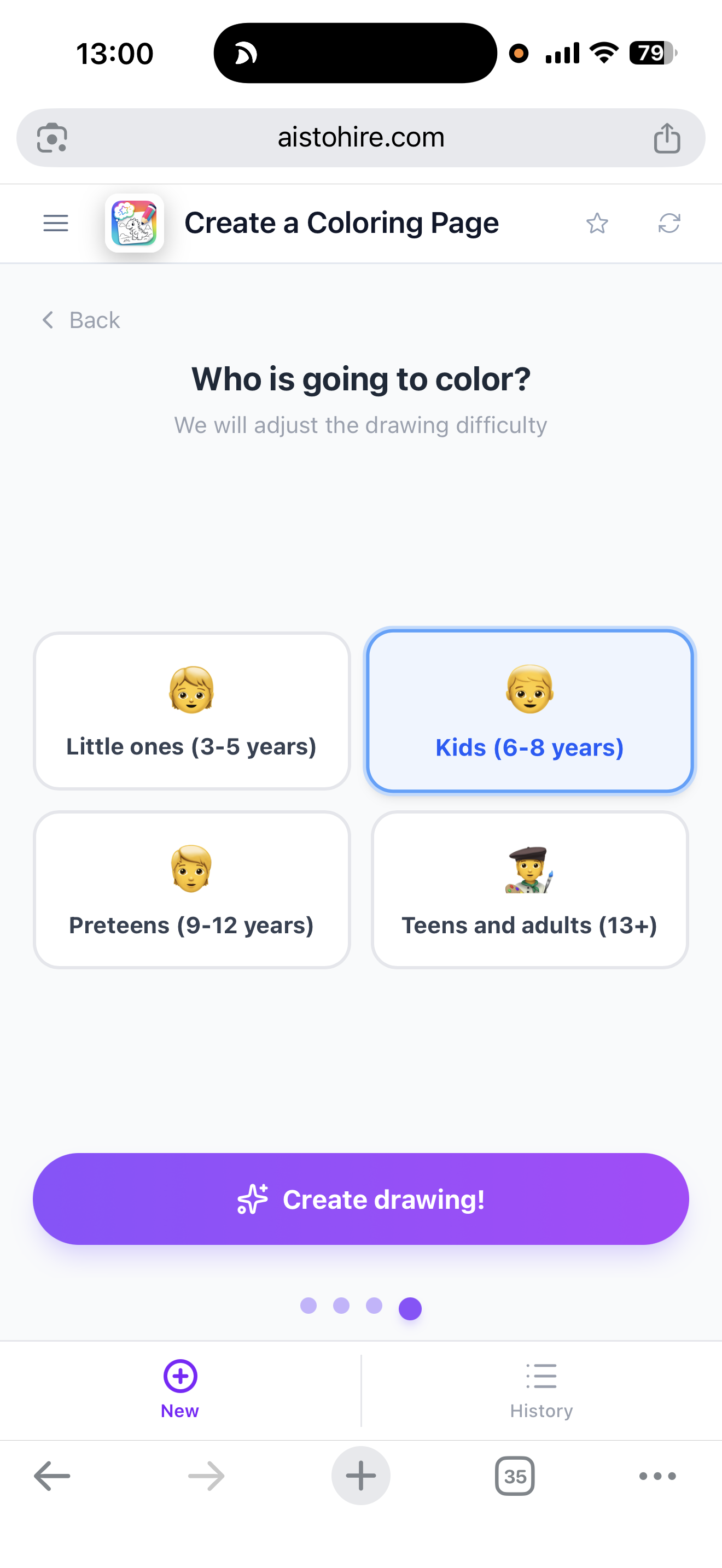
年齢別の塗り絵: かんたん、ふつう、むずかしい | Aiscoloring
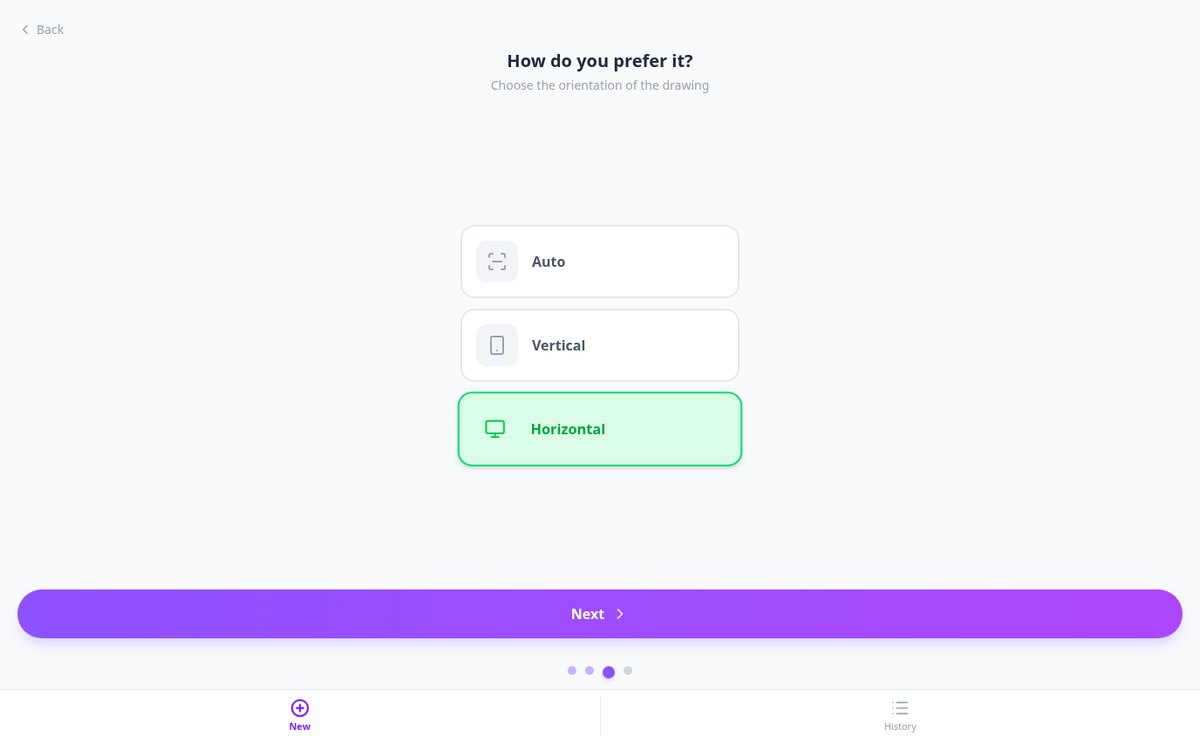
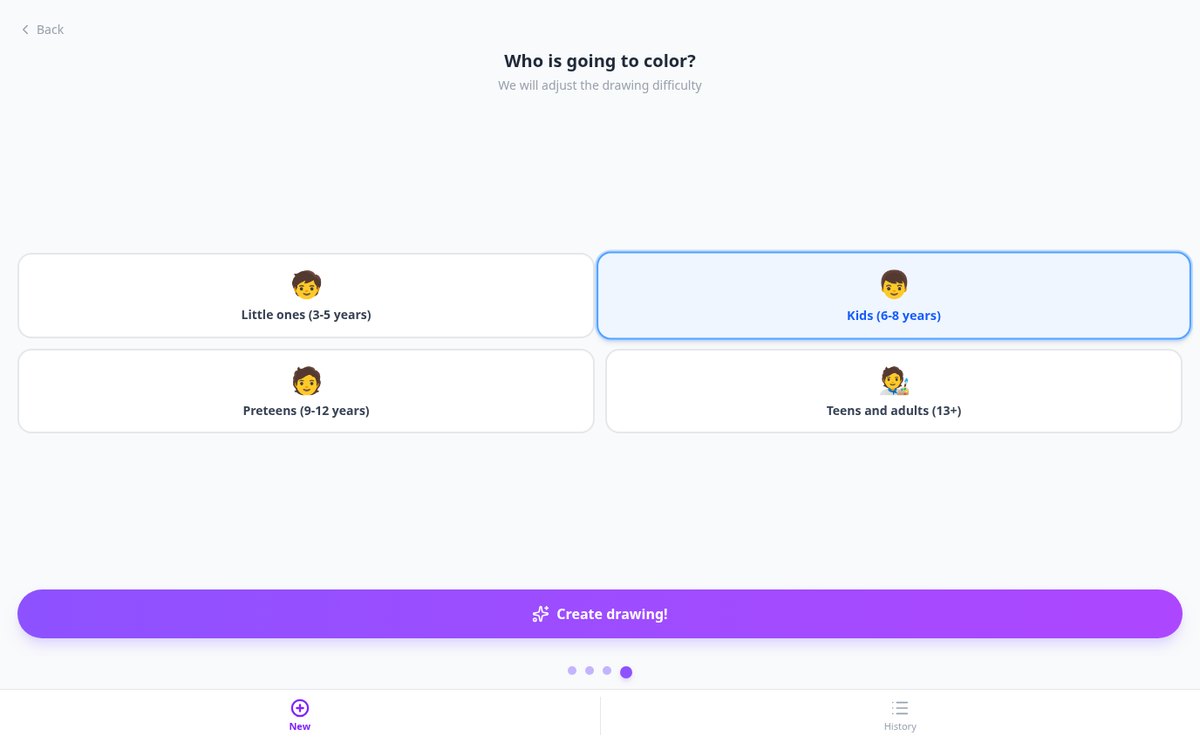
年齢の範囲(3~5、6~8、9~12、13+)を選ぶと、Aiscoloringが塗り絵の線の太さ、モチーフ数、背景、模様を調整します。A4で印刷できます。
機能を見る
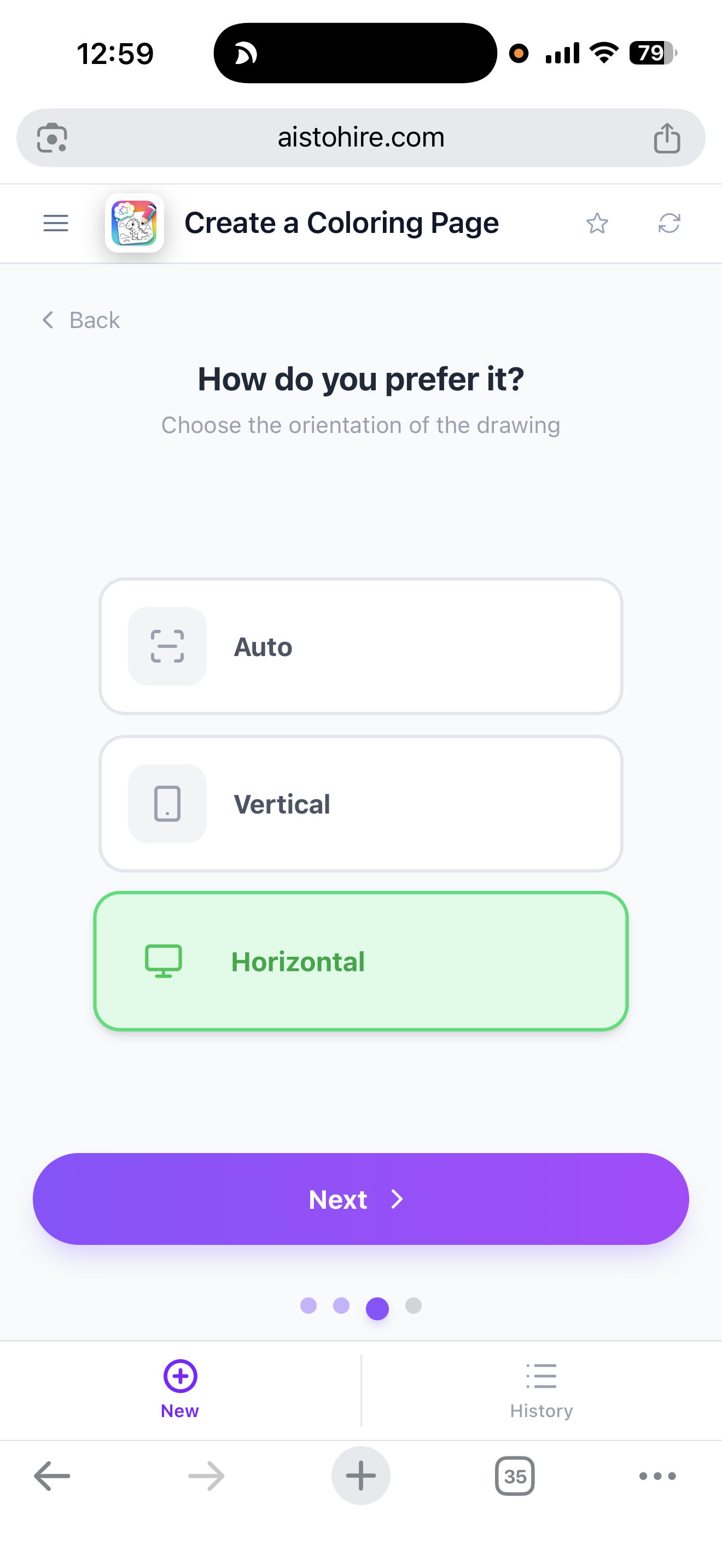
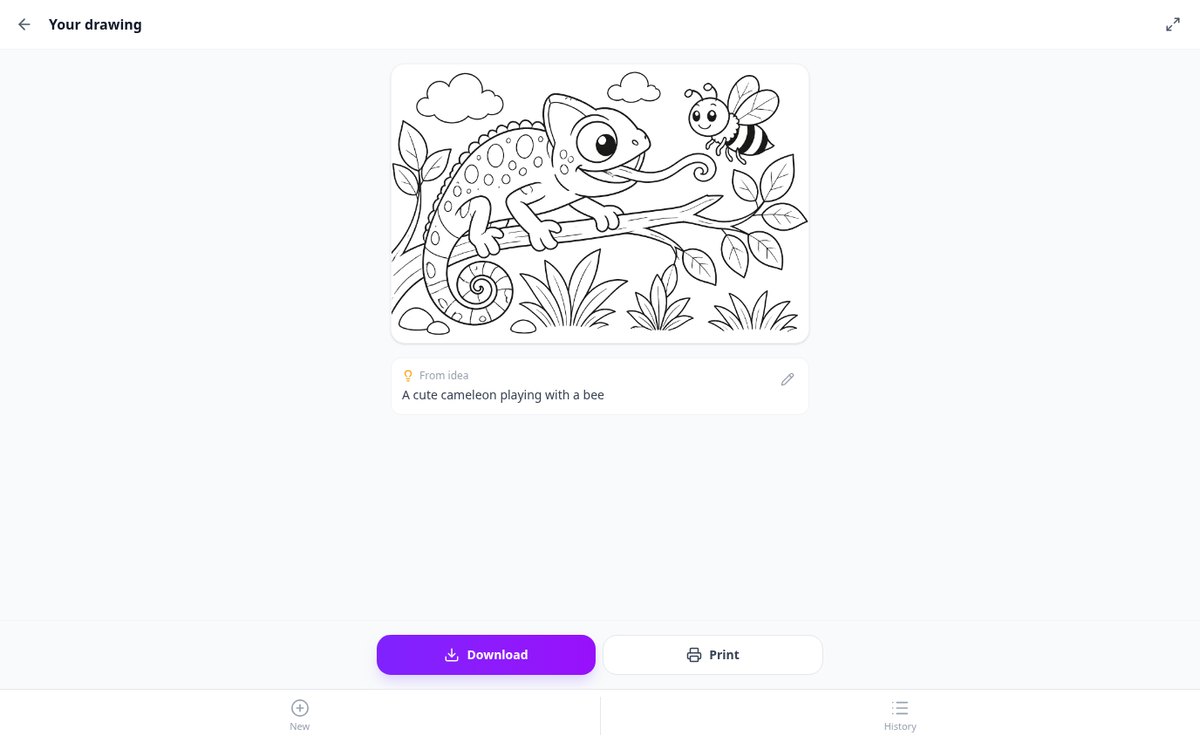
白背景の塗り絵をA4で印刷 | Aiscoloring
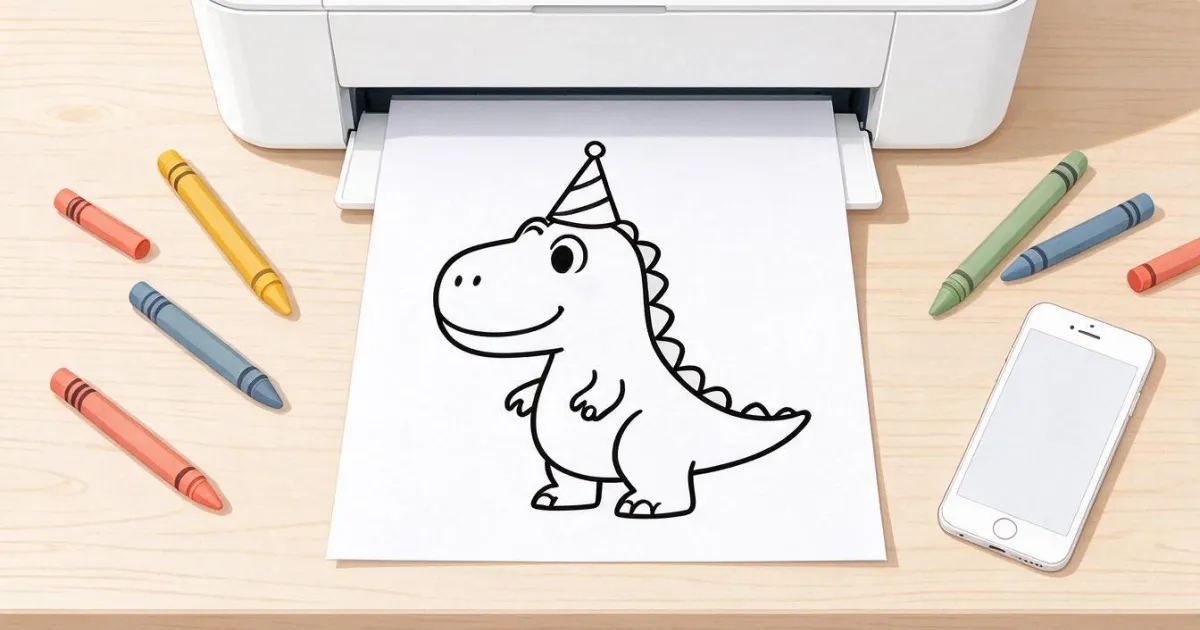
塗り絵を生成して、切り取りなしのA4縦で印刷できます。背景は純白の#FFFFFFで、枠もブラウザーの余白もありません。スマートフォンからも使えます。
機能を見る
塗り絵をダウンロードしてスマホの写真に保存 | Aiscoloring
塗り絵を生成して、ワンタップでダウンロード。AndroidでもiPhoneでも共有メニューから写真に保存でき、パソコンでは名前つきのPNGが保存されます。
機能を見るすてきな絵を作るために必要なものがすべて揃います
What Aiformleads does with every response, from submission to follow-up.
アイデアから
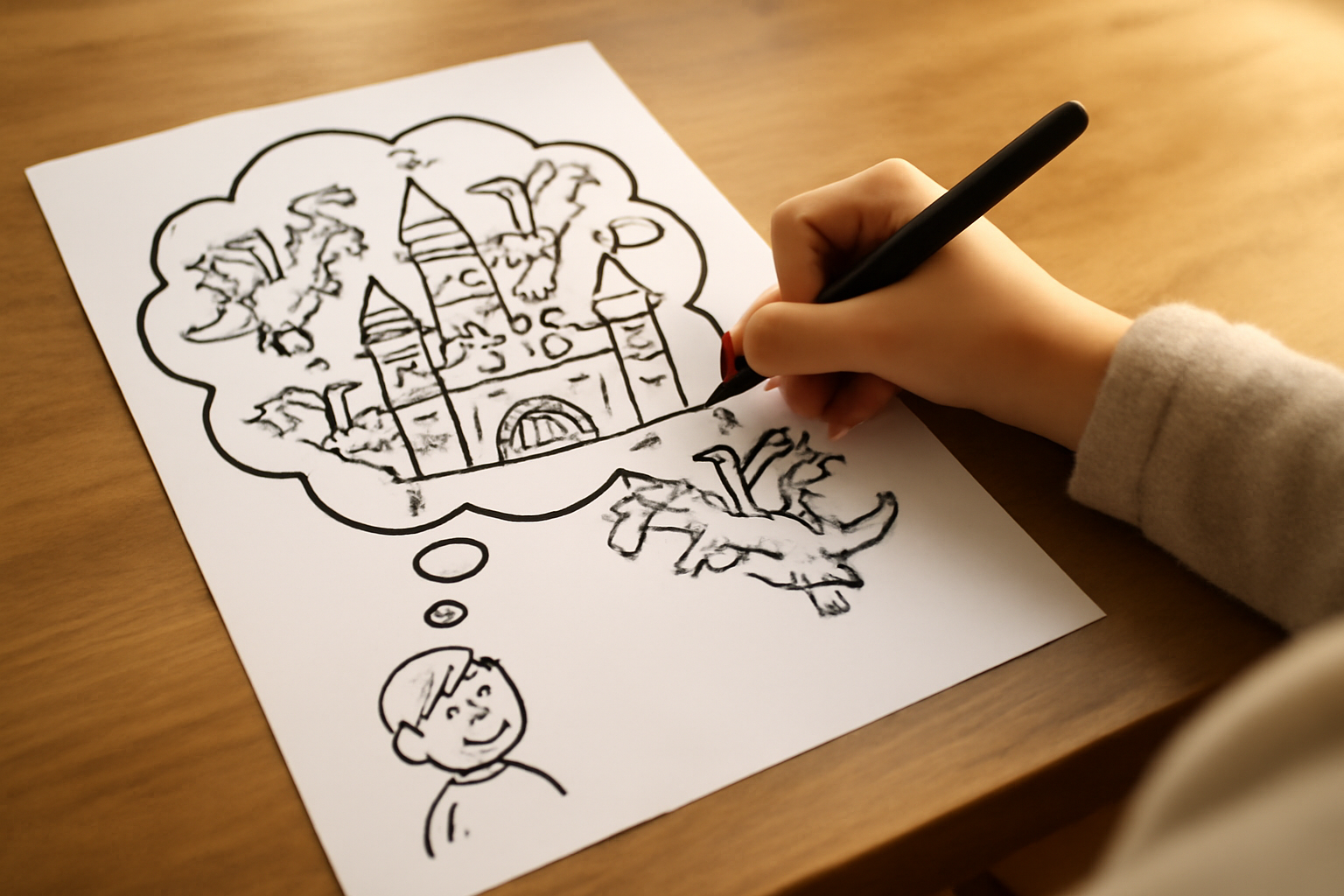
好きなシーンやキャラクターを説明すると、AIが選んだ年齢に合わせたぬり絵を生成します。
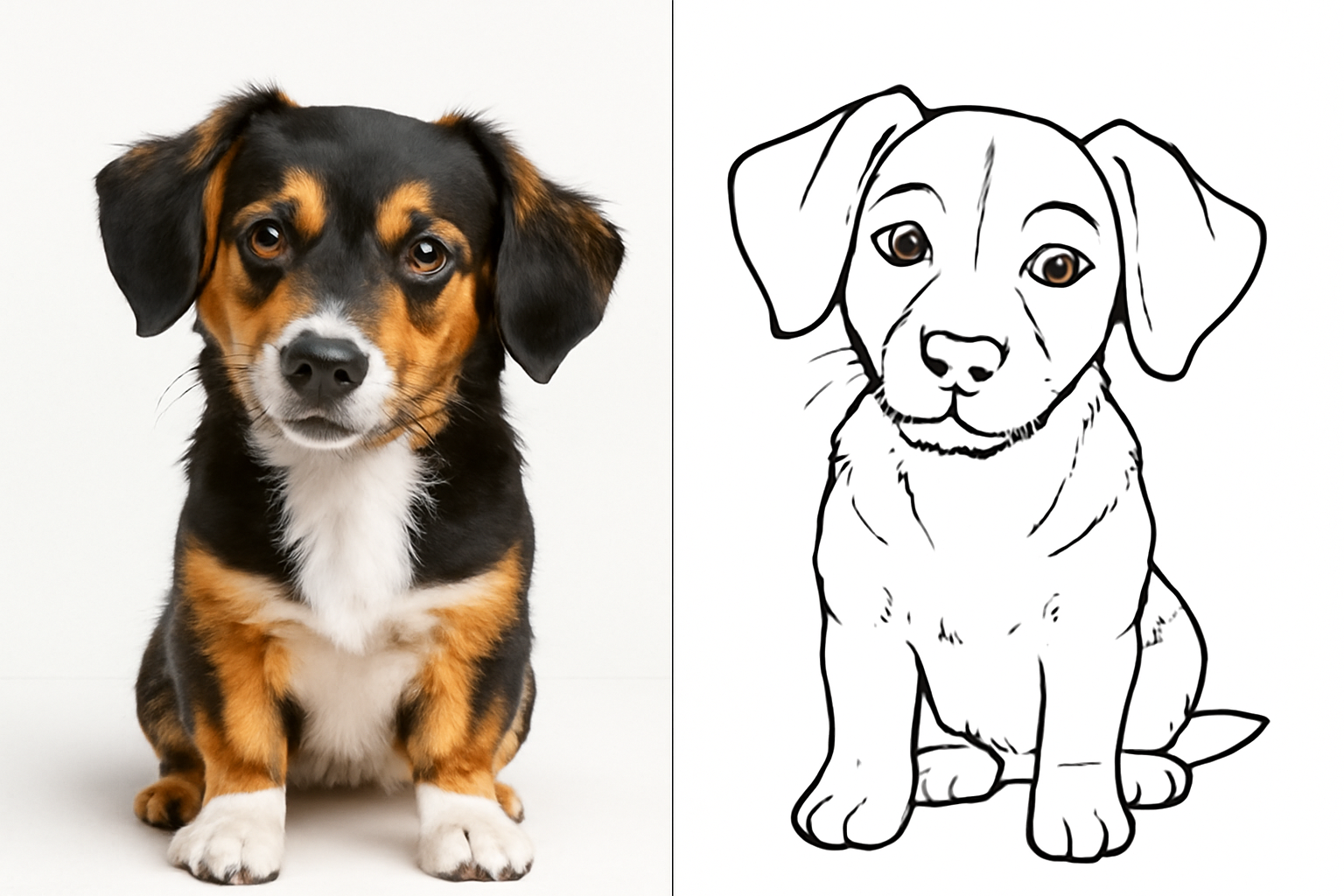
写真から
写真をアップロードして、白い背景にくっきりした線のぬり絵に変換します。
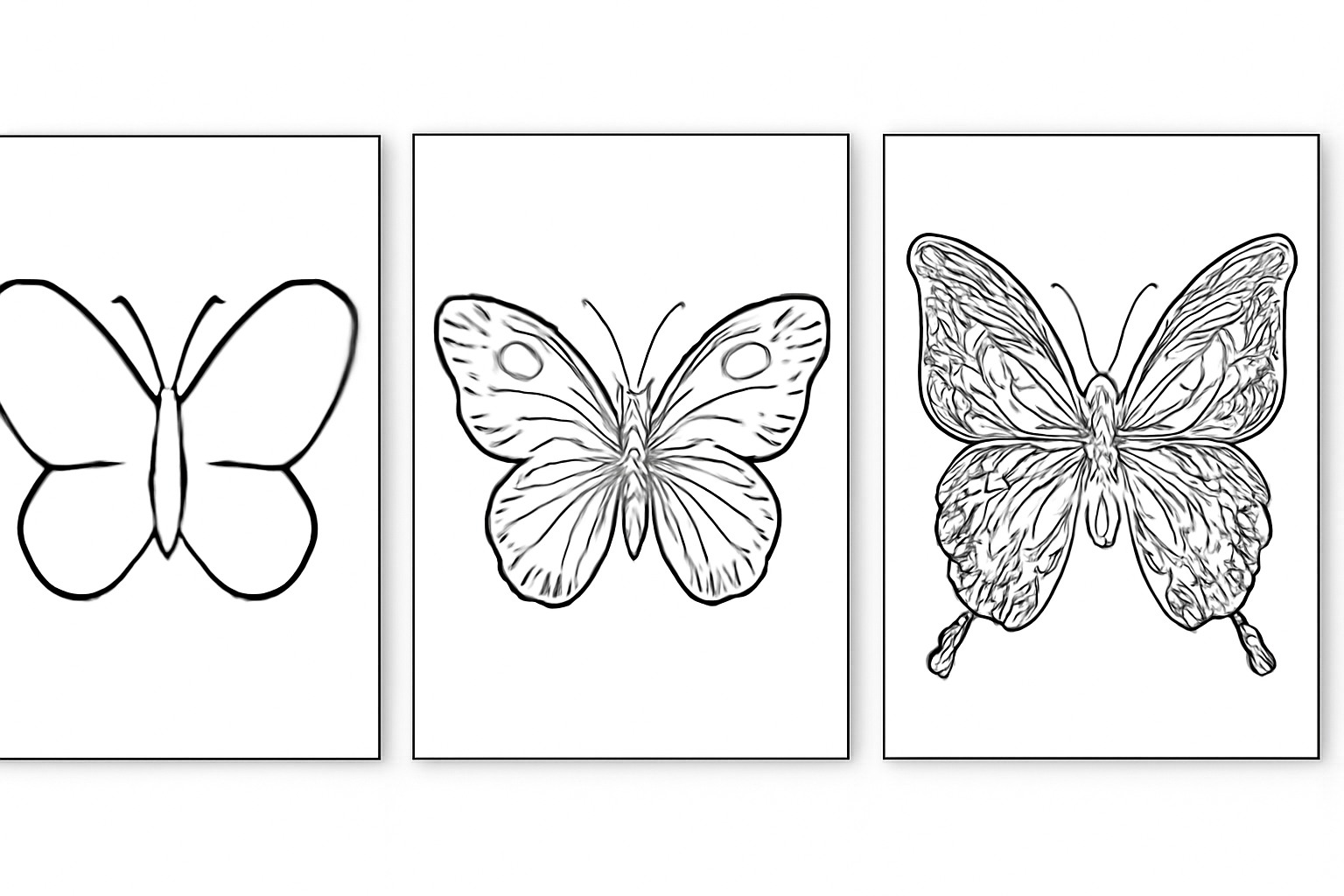
年齢に合わせて調整
年齢の範囲を選ぶと細かさが調整されます。幼児向けは太い線、大人向けは複雑な模様です。
使い方
Sign up
Create your account in seconds.
Build your form
Start from a template or from scratch: add steps and fields, decide what shows based on each answer, and check it in the preview, which is the exact same form the respondent will see.
Publish and classify
Share the public link, embed it on your site, or hand it out with its QR code. Every submission lands in the inbox already tagged and scored.
よくある質問

すてきな絵を作る準備はできましたか?
Build your first form, share it, and receive every response with its tag and score.