
AiNotes — AI notes that answer your questions · Ask your notes and they answer
 AI
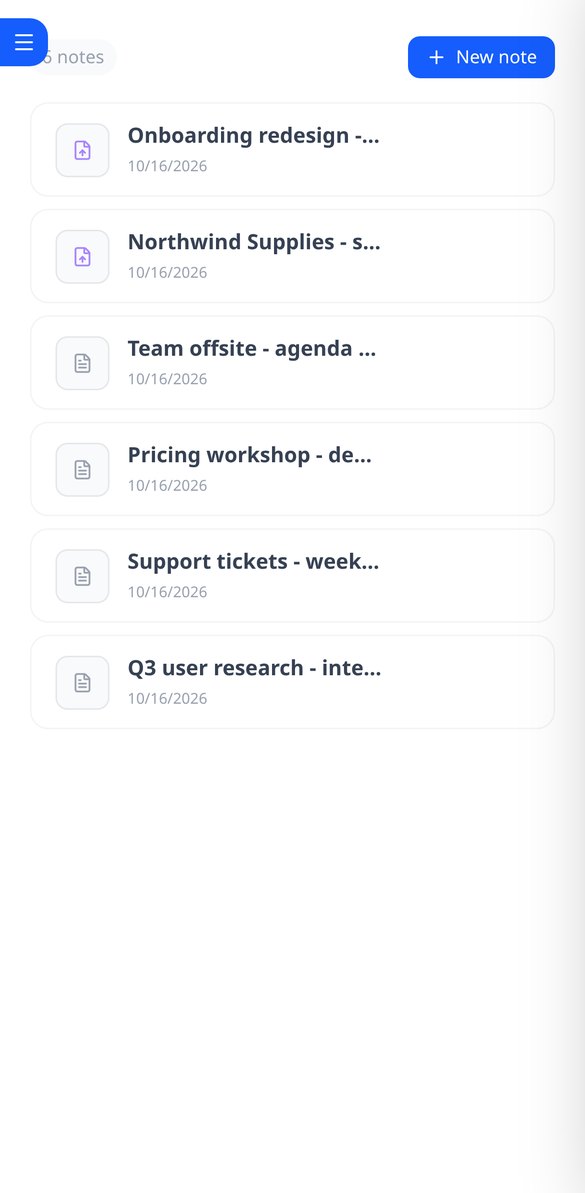
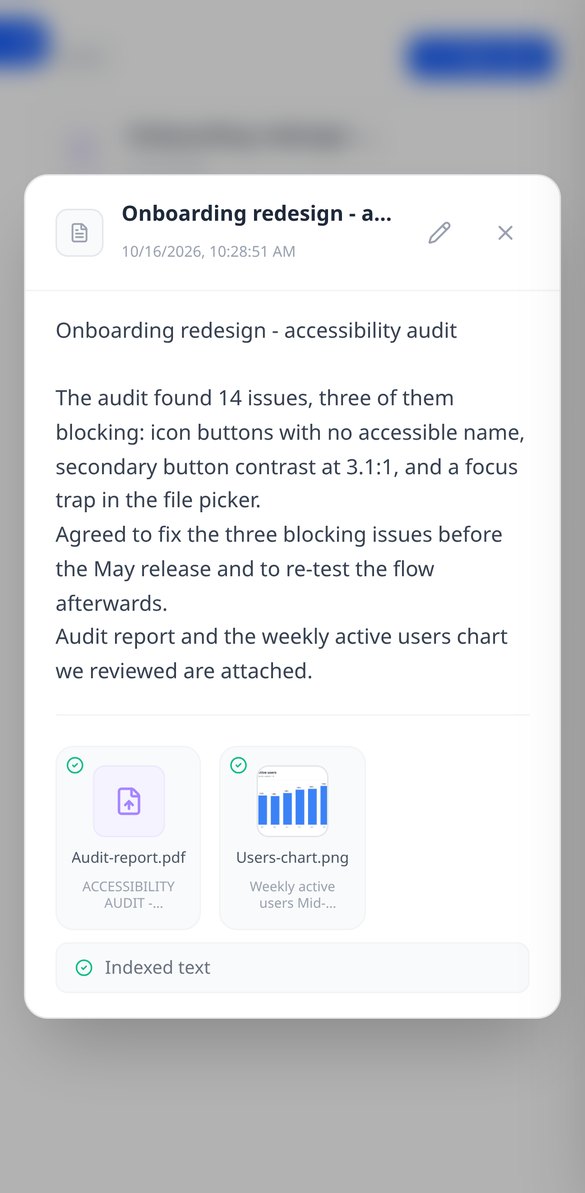
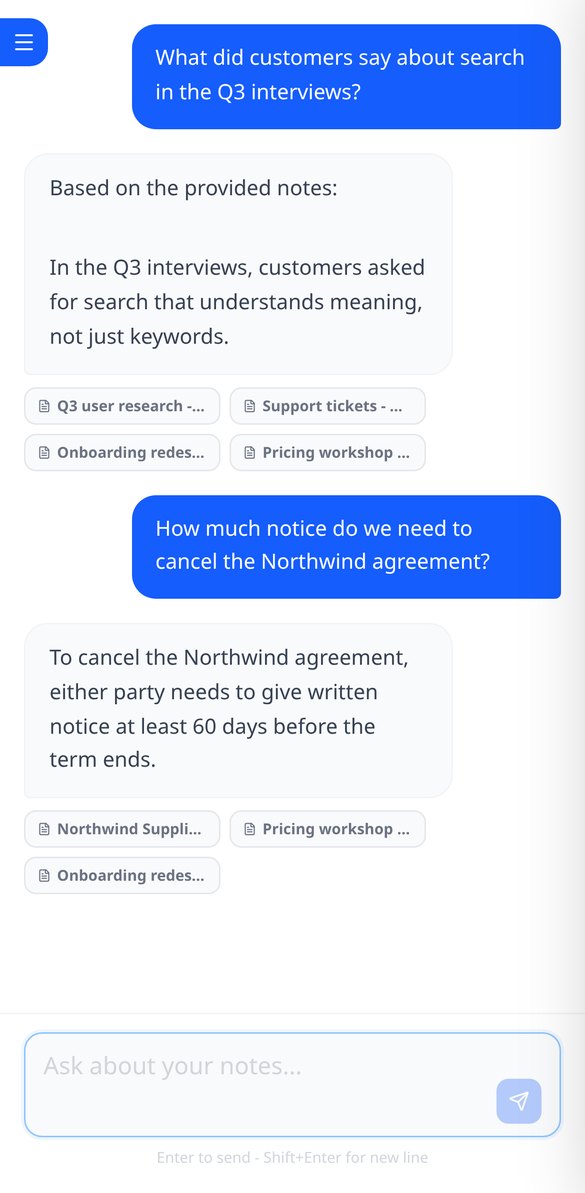
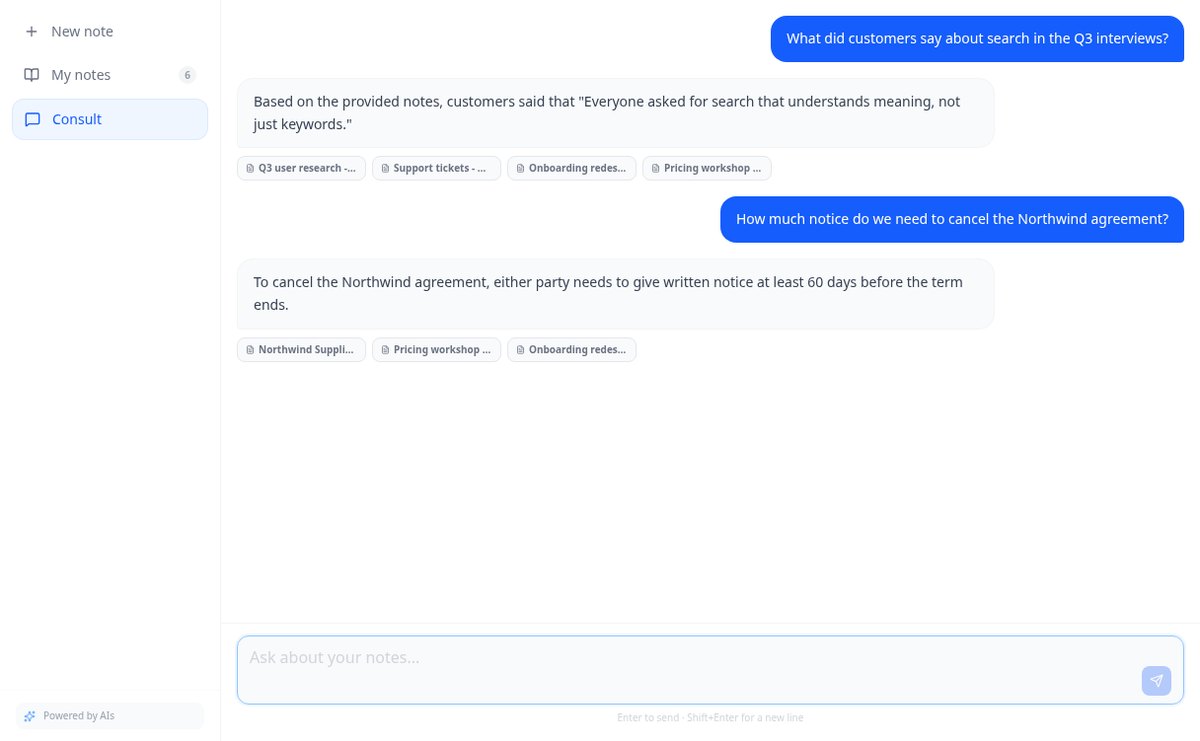
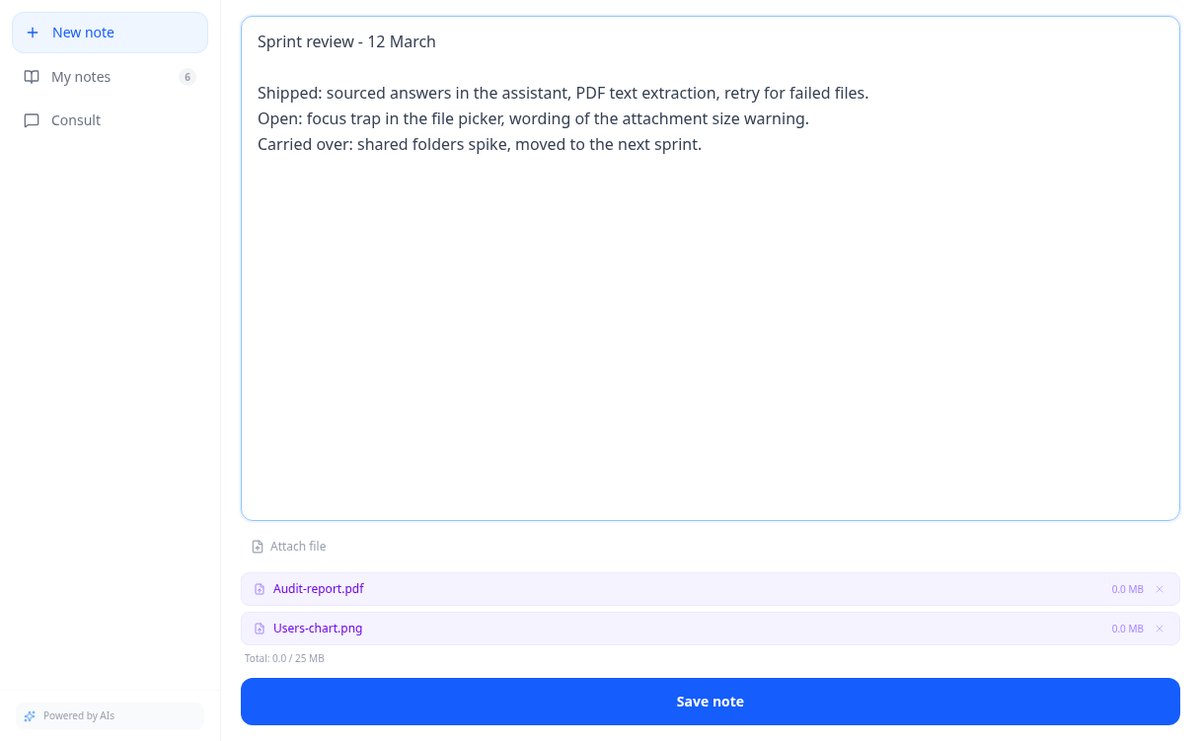
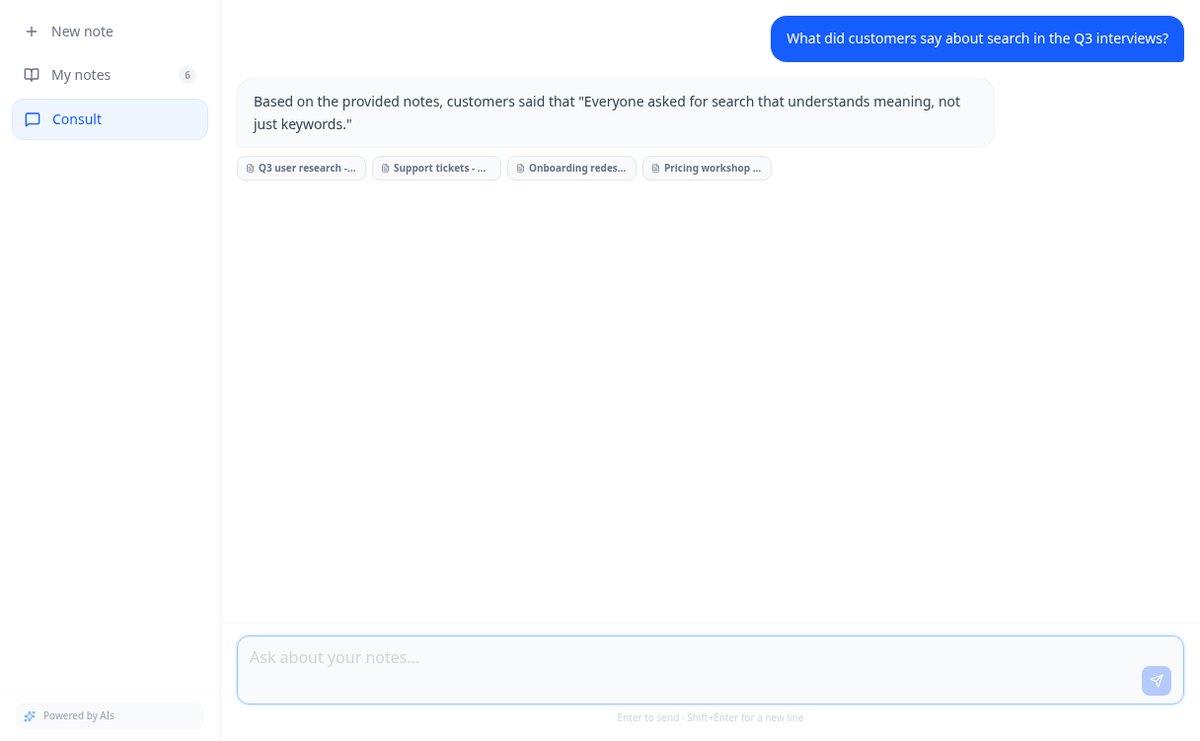
Save notes and attach PDFs and images to the same note. AiNotes reads everything and replies via chat, indicating which note each answer came from.
In the features that use AI, responses are generated by artificial intelligence and are not a substitute for professional advice.
Do you have the topic in your head and in the document, but can't see the structure?
Linear text hides the hierarchy: you can't see what hangs from what, what's missing, or what's extra. aiMindMap starts from a sentence or your document and returns the complete tree, with the central idea in the middle and branches spread on both sides. From there you just type: Tab creates a child, Enter a sibling, and the map rearranges itself, without overlaps and without the node you're typing moving from its place.
Start for free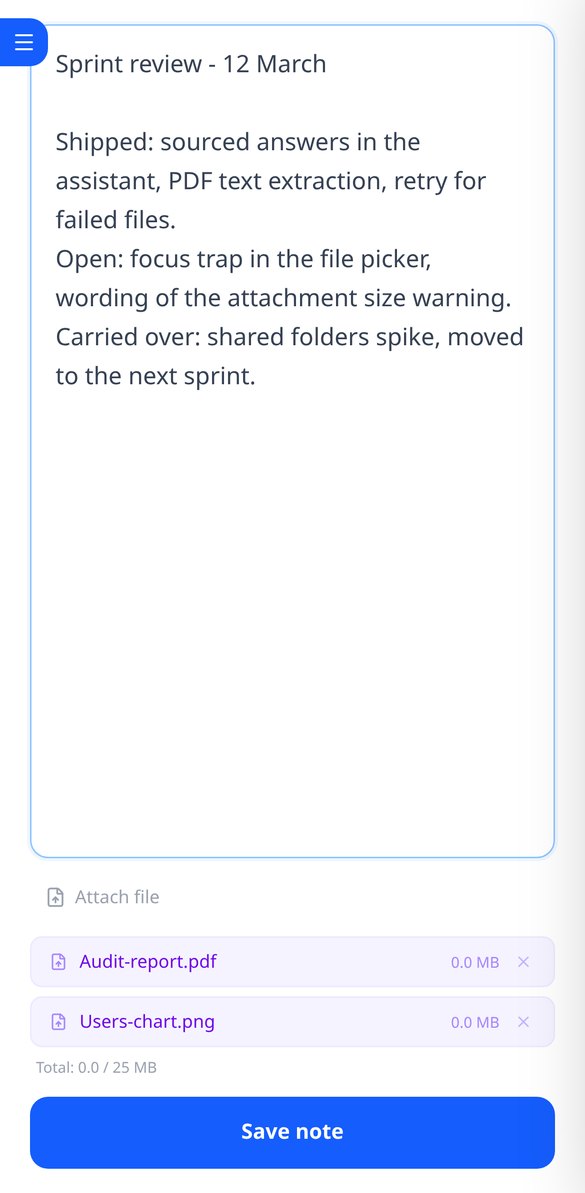
Discover every feature in detail

Online notebook for writing and editing free text | AiNotes
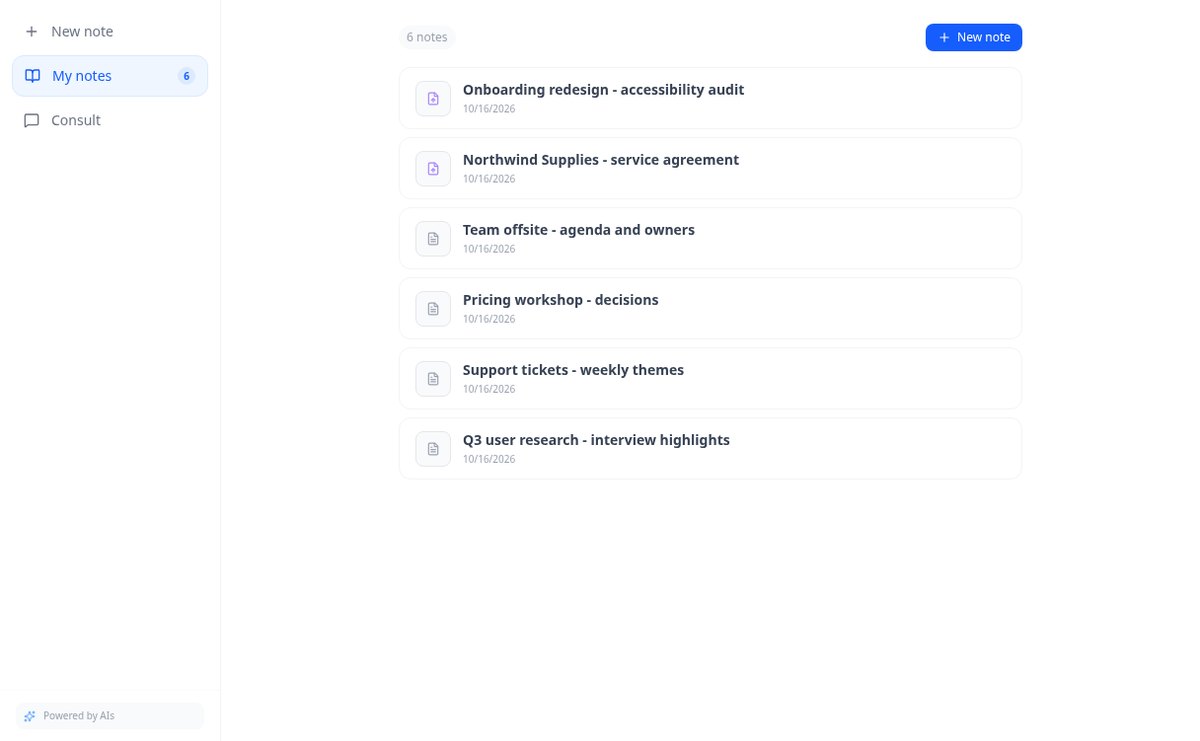
Write free text notes without templates and edit them whenever you want: AiNotes saves the content, generates the title automatically, and updates the index when corrected. Free.
View feature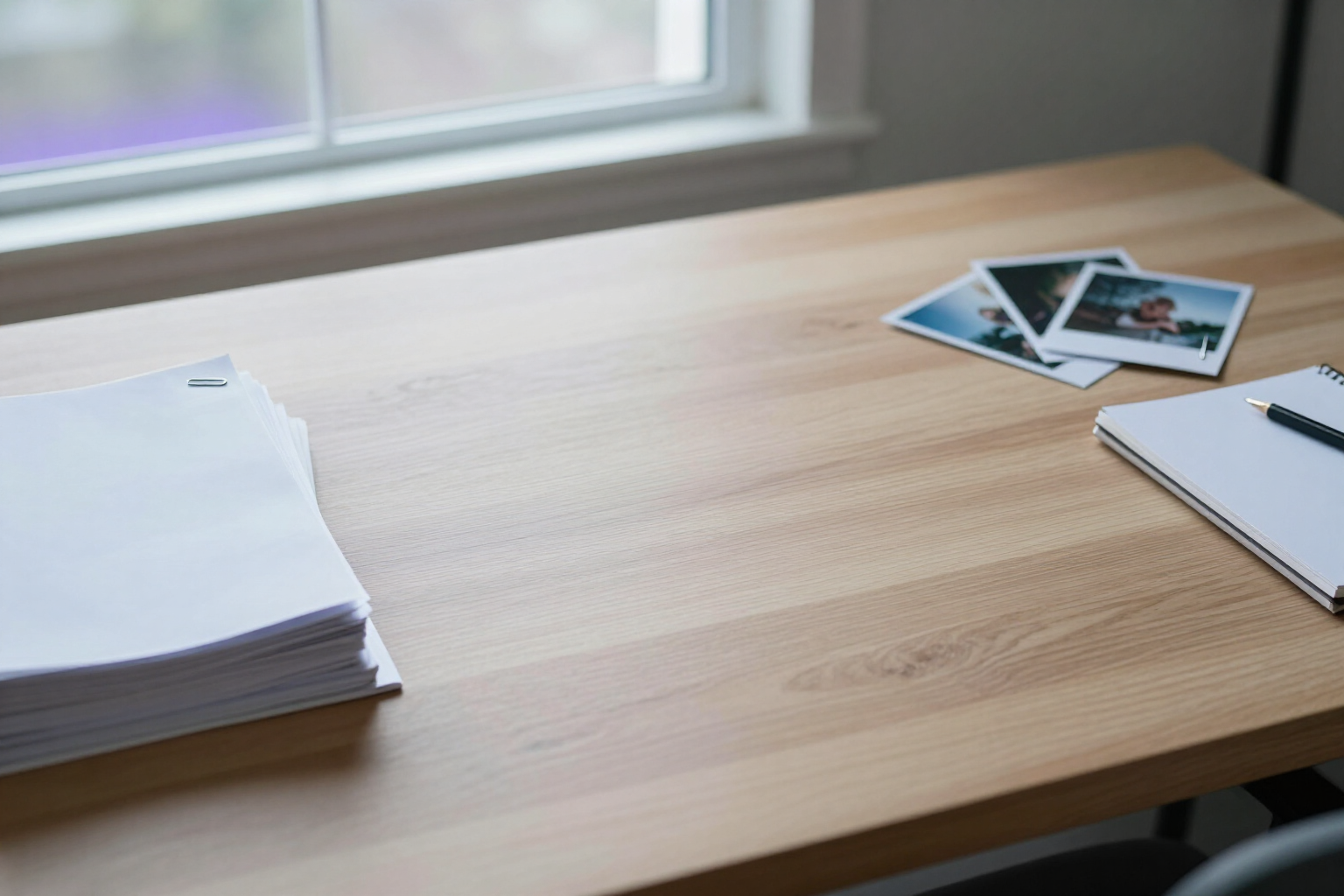
Notes with attached PDFs and images, up to 25 MB per note | AiNotes
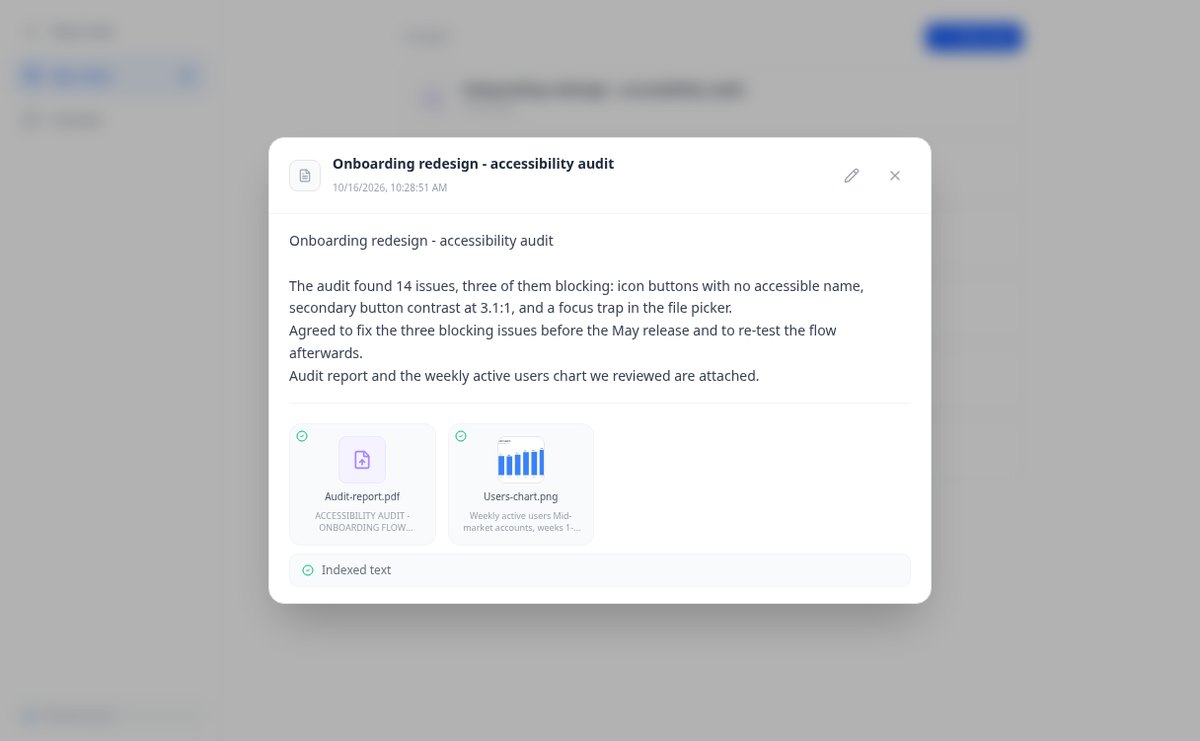
Attach multiple PDFs, PNG, JPG, WebP, or GIF to each note —up to 25 MB— by dragging them into the editor, and later query their content via chat. Free at AIsToHire.
View feature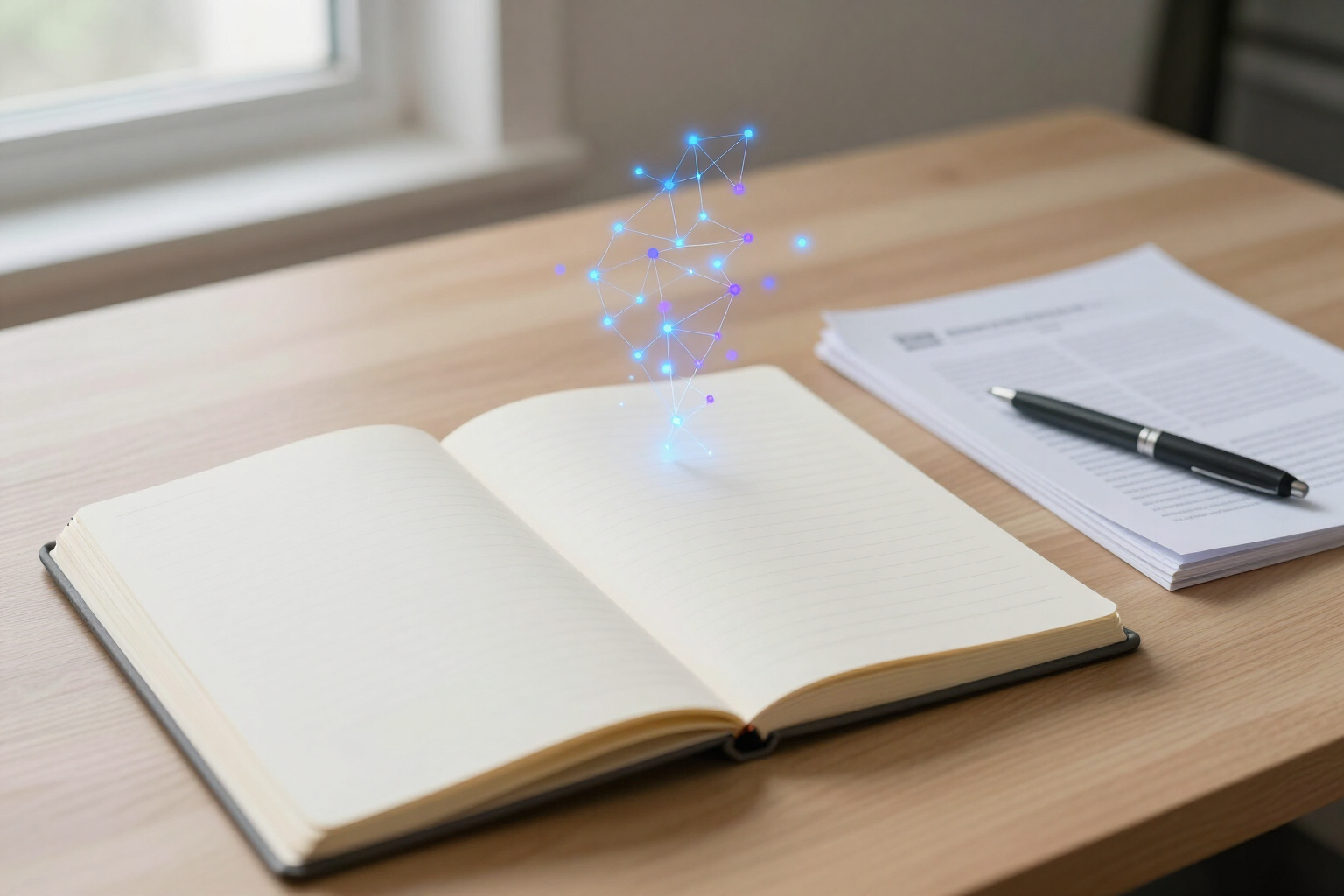
Notes that index themselves with Gemini embeddings | AiNotes
AiNotes breaks down each note and attachment and converts them into vectors with gemini-embedding-001 upon saving, allowing for meaning-based searches and chat inquiries. Free at AIsToHire.
View feature
Chat that answers with your notes and cites the source | AiNotes
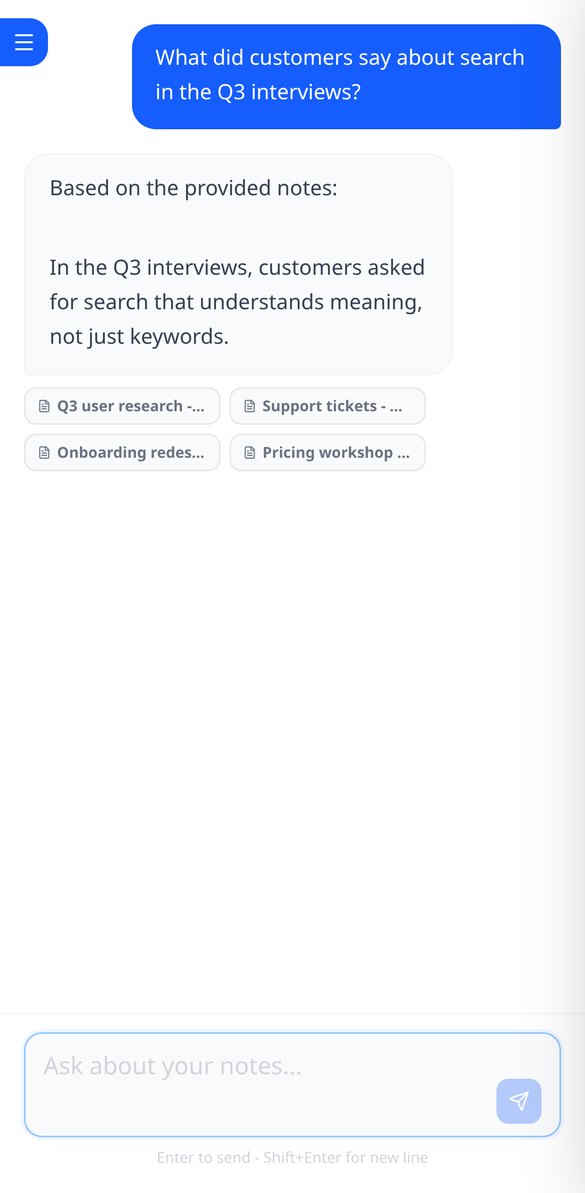
Ask your notes and PDFs: AiNotes searches for the 5 most relevant snippets, responds only with them, and shows the title of each note used. Free at AIsToHire.
View featureNotes that understand what you save
It's not a blank canvas with loose shapes: it's a tree with a single root, automatic placement, and AI as a starting point.
Notes and documents in the same note
Write the note and attach PDFs or images (PNG, JPG, WebP, and GIF) by dragging them, up to 25 MB per note. Everything stays together, with preview and download.
AI reads every note and every file
When you save, AiNotes automatically splits and indexes the content. You see the status of each item (processing, ready, or error) and can retry the one that fails.
Chat that answers by citing your notes
Ask in your own words and the assistant responds using only your content, showing the notes it got the information from. If it's not in your notes, it tells you.
Get started in three steps
Type the topic or upload the document
Create a blank map, start from a template (project, syllabus, minutes, SWOT, script) or let AI generate it from your topic or your PDF.
Edit and expand
Tab to go down a level, Enter to stay on the same, drag to reorganize, and ask AI to expand the branch that falls short.
Present it or export it
Review the map in presentation mode or download it as PNG, PDF, or Markdown to share it with whoever needs to read it.
Frequently asked questions
Latest blog articles
Guides and news to get more out of it
Is it legal for an AI bot to record and transcribe your meetings? What has changed in 2026
Lawsuits against Otter.ai, the position of the AEPD from January 2026, and a checklist for transcribing meetings with AI without violating the GDPR.
Search for data in your PDFs and notes: why Ctrl+F fails you and what really works
Ctrl+F finds nothing in a scanned PDF because it contains an image, not text. We explain why and how to ask your own notes and PDFs.
Start asking your notes
Create your free account and turn your first topic or your first PDF into a mind map today.